while researching into digital means for black and white infra, i found myself looking into red filters and came across a few videos about the process and equipment. they recommended a high end expensive filter for the best results, however, being a student this isnt always possible
looking around on ebay i came across a many different brands
https://www.ebay.co.uk/itm/141329414608
67mm IR720 IR Infrared Filter – £ 32.87
the IR filters can block all visible light under 720, 850, and 950nm. offering a variety of selection for different conditions, i feel like this one will be better as it is more affordable, more versatile, and should convey the imagery i want – this is the one i ended up purchasing.
Hoya 67mm R1 Red Filter – £89.99
this IR filter is more expensive and out of my price range since, but might offer a higher contrast in the photos im aiming to produce, but without that variety, it may be a little limiting
> 15.05 <
after my verity lenses arrived i took them outside to test
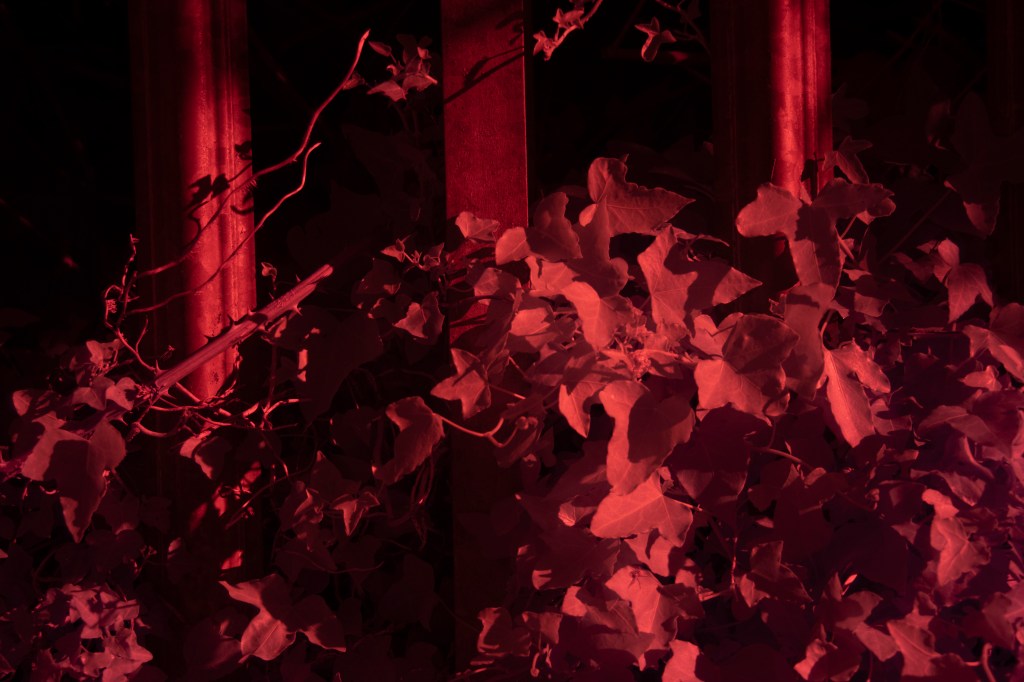
720nm filter at 4/s exposure and a f/5 aperture, this photo shows a strong contrast in a red hue, opening these in photoshop i was able to start editing them
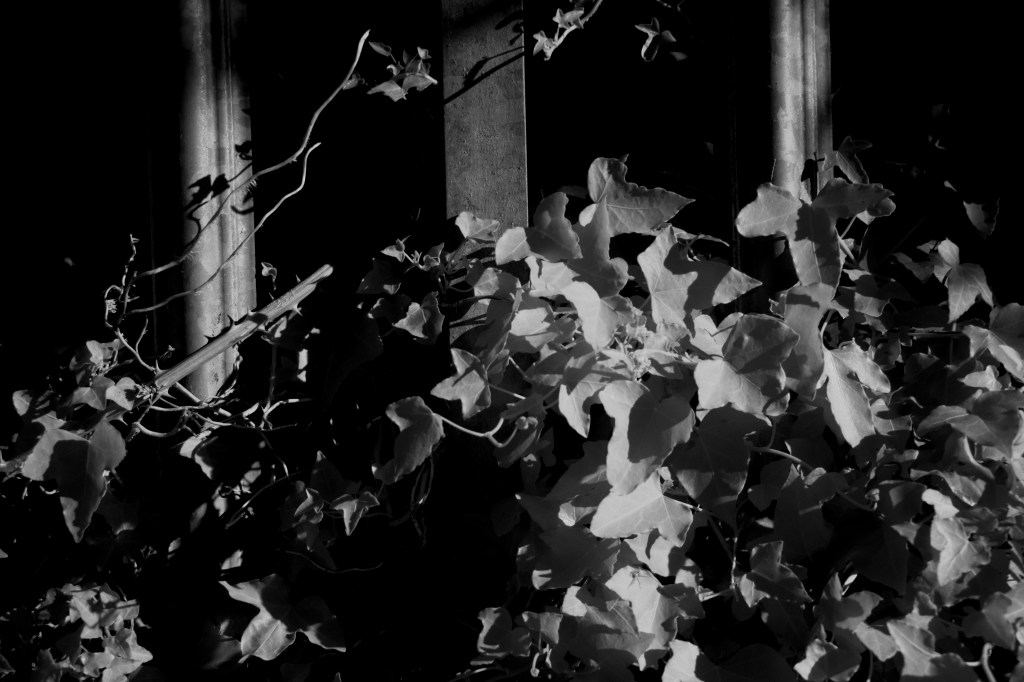
1 my first edit (left) has a black & white layer and plays with the curves, trying to increase the contrast of my image, however in doing this i have brought in too much black and my whites are now fading so a new approach is needed
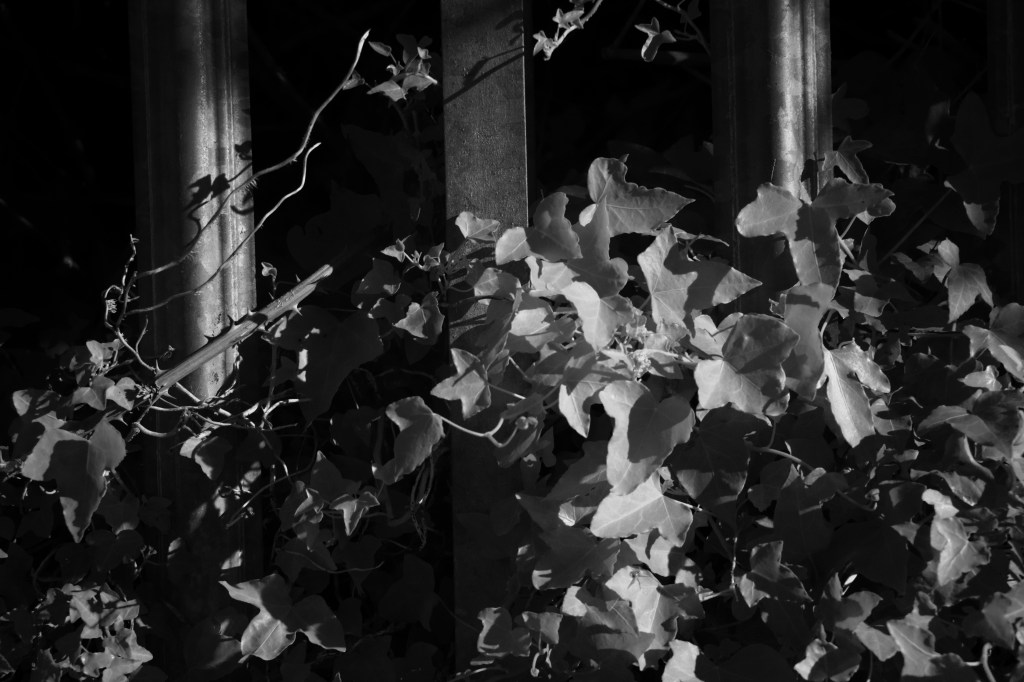
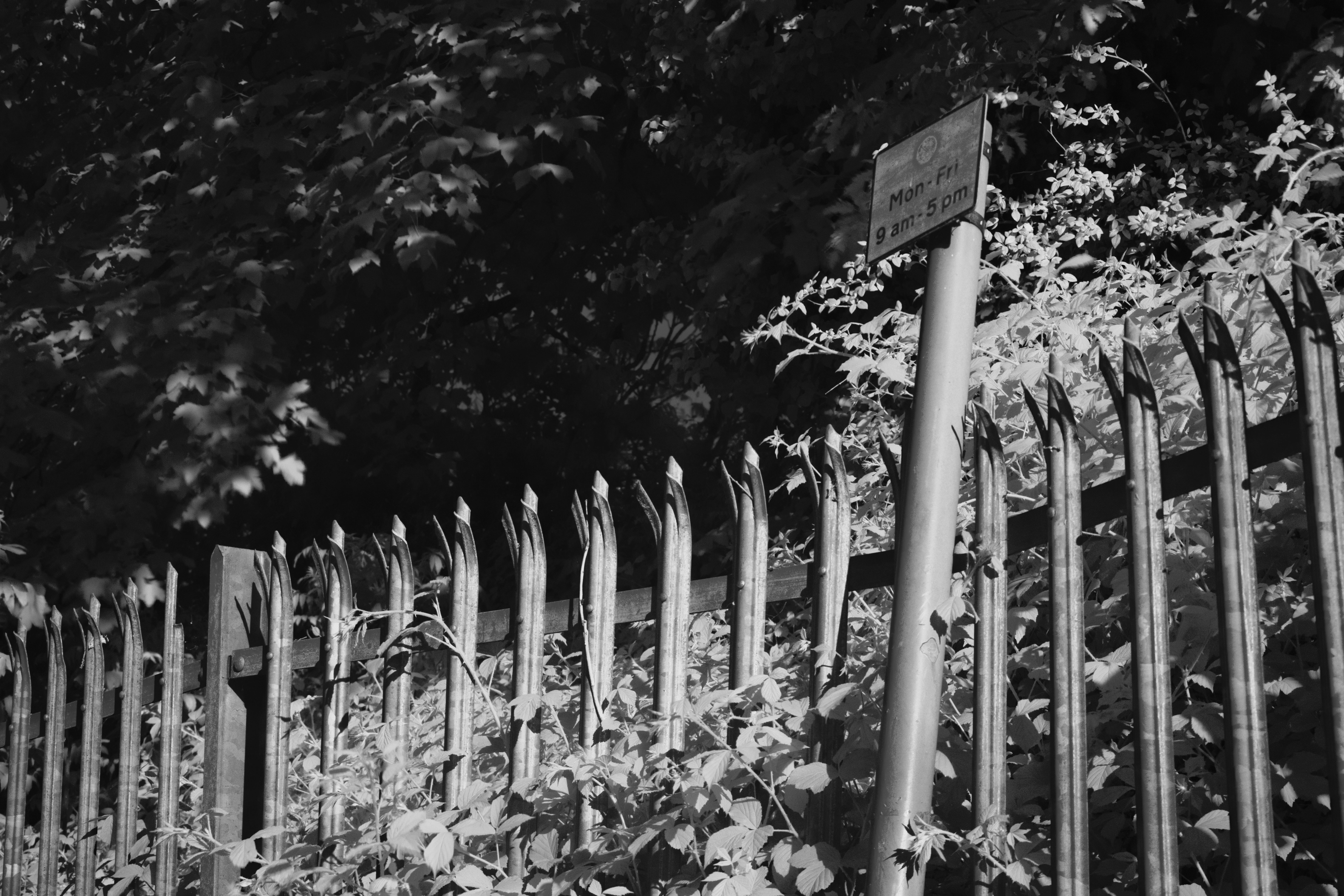
2 my second edit (right) just removes this curve and plays around this the red and magenta values allowing me to increase and decrease them individually with a slider option
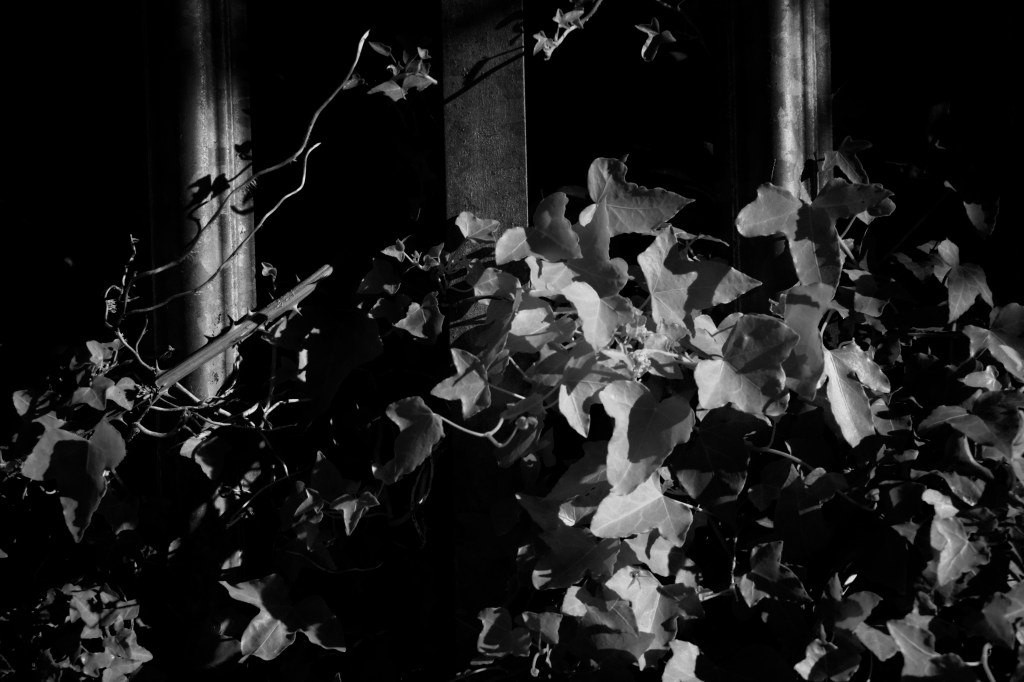
3 this was builds on the second keeping the black and white layer but introduces a levels adjustment layer, where im able to fix my problem, i could increase the dark tones without effecting the white values keeping them as bright as i wanted, if i wanted to take them further i could have added a exposure layer to increase this but i felt wasnt necessary
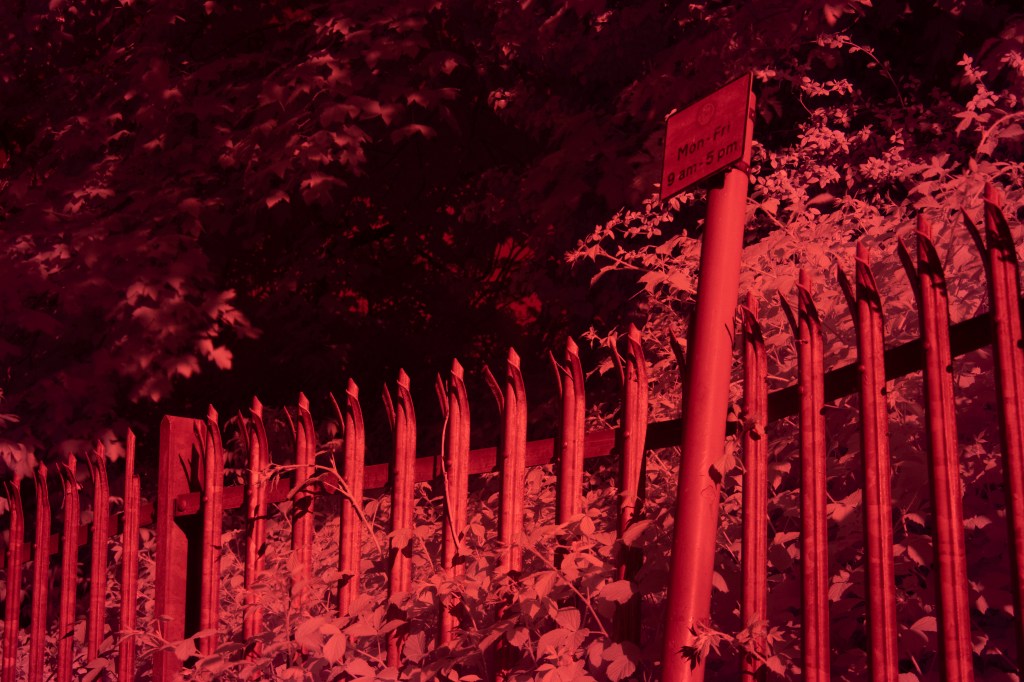
720nm filter at 4/s exposure and a f/5 aperture
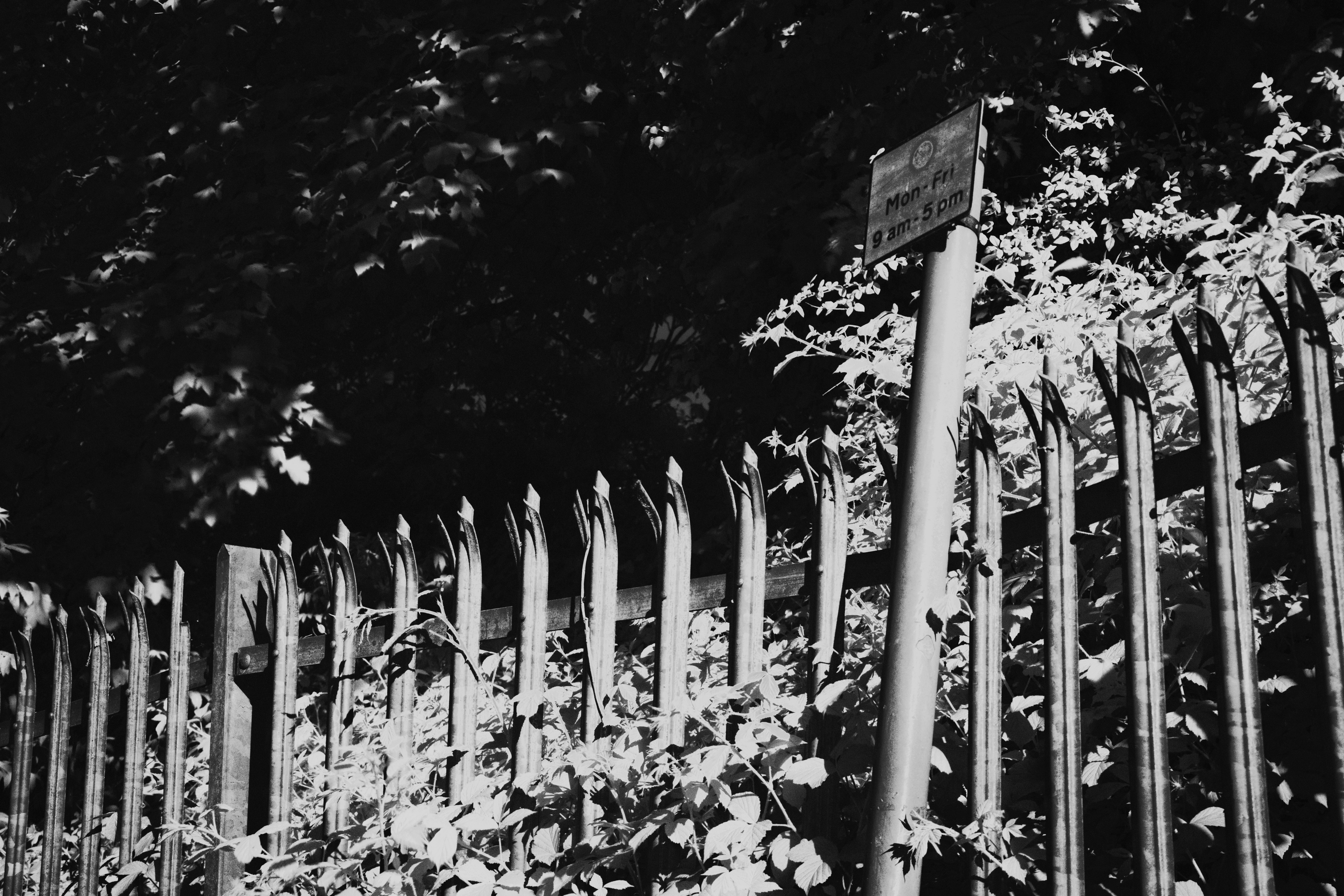
1 my first edit (left) shows a similar thing to the previous photo with a B&W layer filter on top and a curve layer however i dont like this as my image appears washed out, my white arent punchy like i want but are faded, and yet still slightly bleached out as i dont have the clarity on the foliage
2 my second edit (right ) tries to fix this by removing the bad curve layer and just utilities the B&W layer to adjust the red and magenta tonal values, however, i also dont like this as my image appears flat as the values begin to blend together, i have the clarity but not the punch factor from those while leading to a low contrast between those values
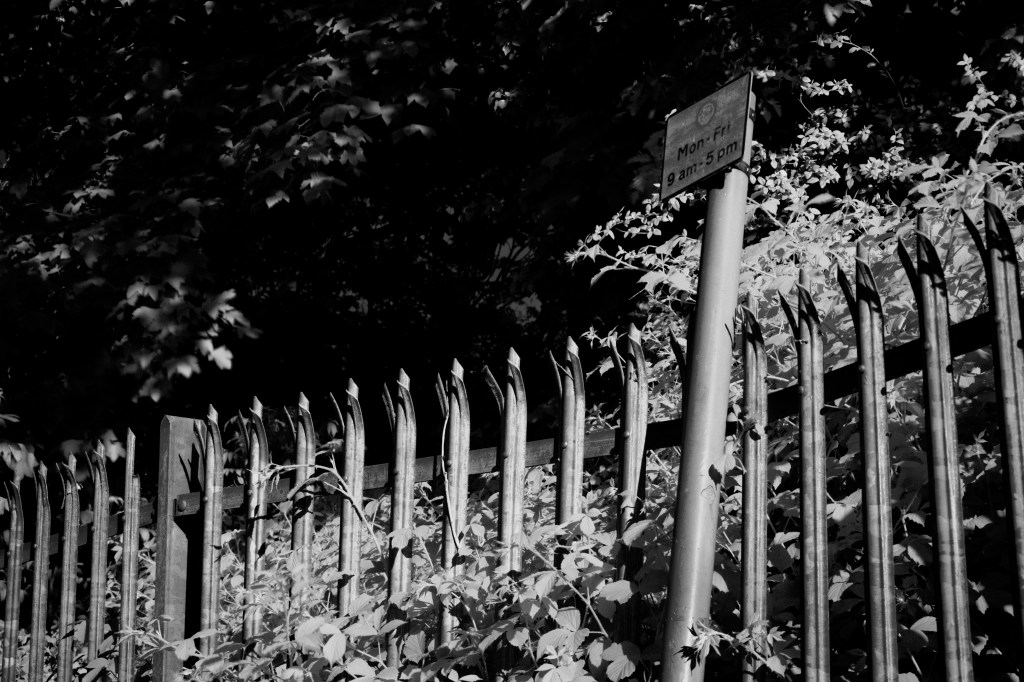
3 fixing this with a level adjustment layer proved most effective as it allowed me to control the blacks and whites separately, rather than adjusting the whole image, this provides me with the ability to have darker shadows, while not interfearing with the highlights
 Alex's Photos & Thoughts