after making a few posts on InstaGram demonstracting 3 diffrent editng styles i opened a poll on my story where my audience could interact and have a voice to provide their thoughts and any questions they had
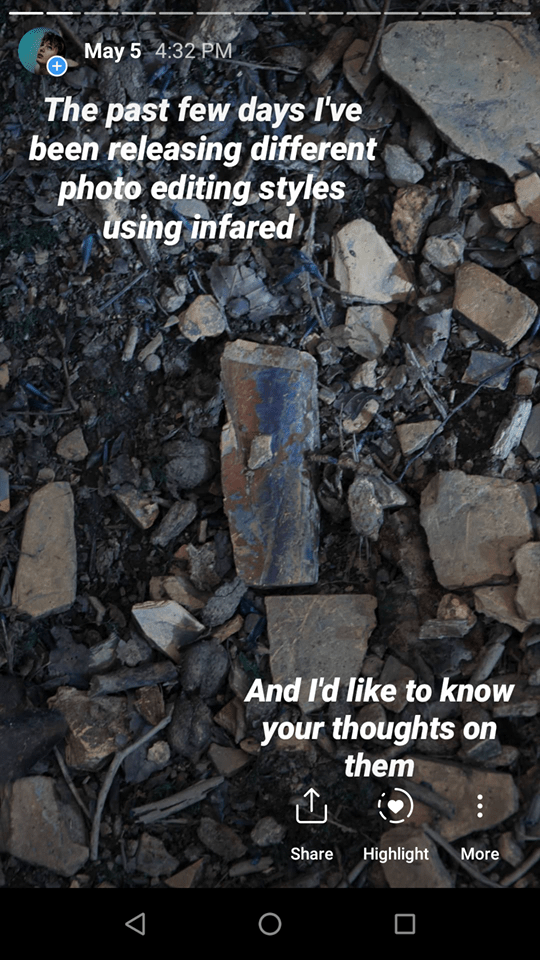
i wanted to make it clear what i was doing by placing text boxes to explain what they had to do, and using numbers to illustrate my point. to these i put an images in a background for my text to rest on, making them more visually appealing for an audience to look at
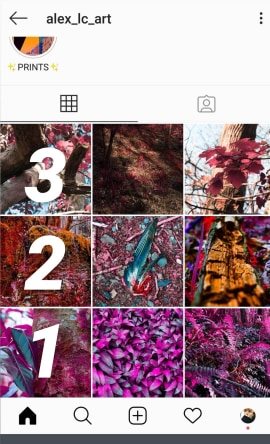
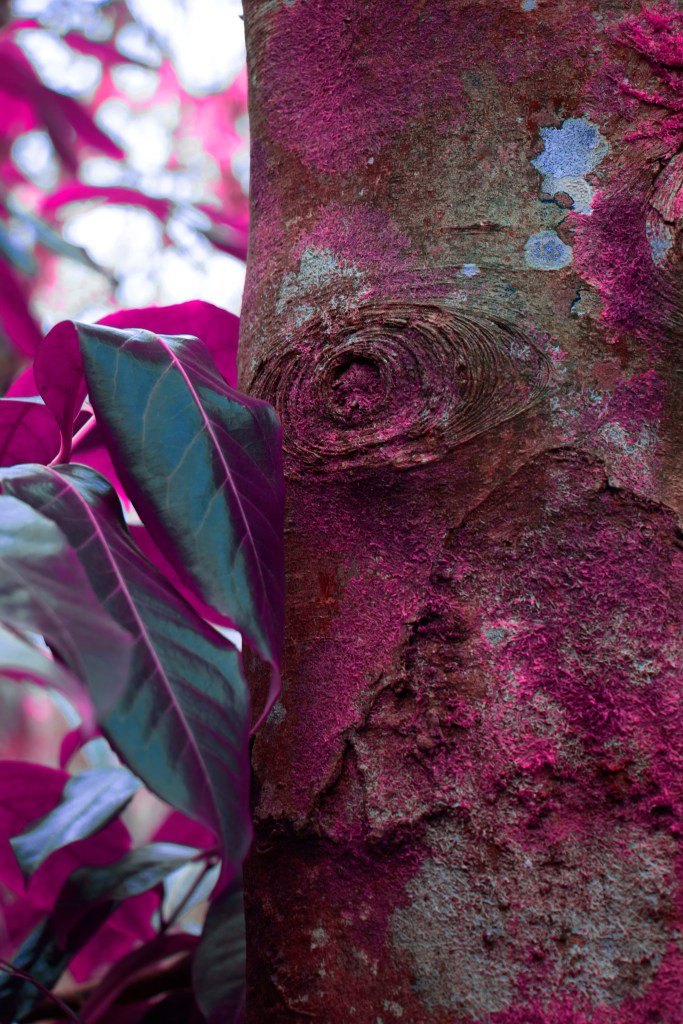
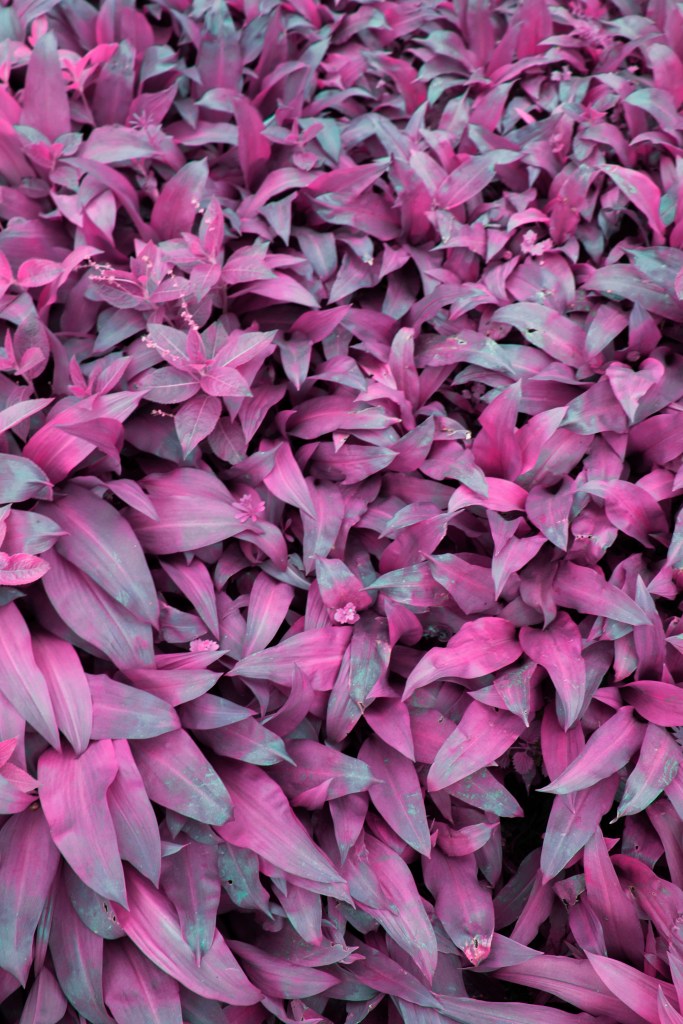
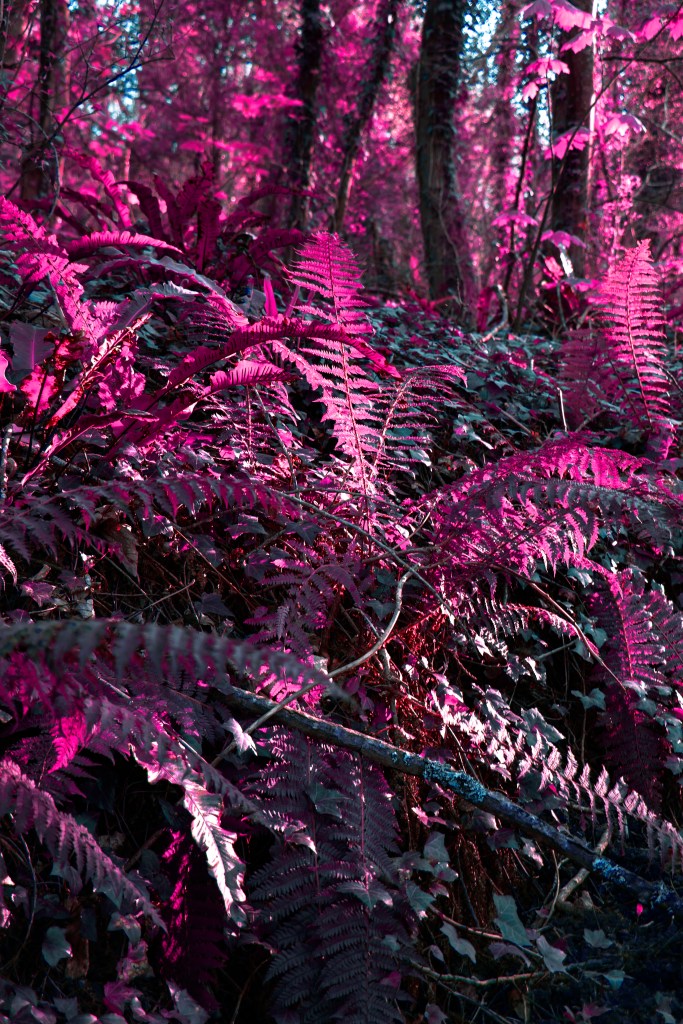
my first editing style consist of an inversion layer but pressing Control+J in the background layer, and then Control+I to invert this second layer, this will invert my image but if we change this layer type from normal to color, it apples these colors appearing blue, to this we can add a channel mixer layer and swap our blues and reds channels so we get this pink color from green foliage, additionally to these i’ve applied a hue and saturation layer reducing the hue to -22 changing the pinks to purples and increased the saturation +20 to make them more vibrant.
this method could be applied to separate images easily by using copy (control+C) and paste (Control+V) across the 3 layers, however, i noticed some of my photos were too saturated and lost some information in the processing which would make it awkward when it comes time to print.
> 05.04 <
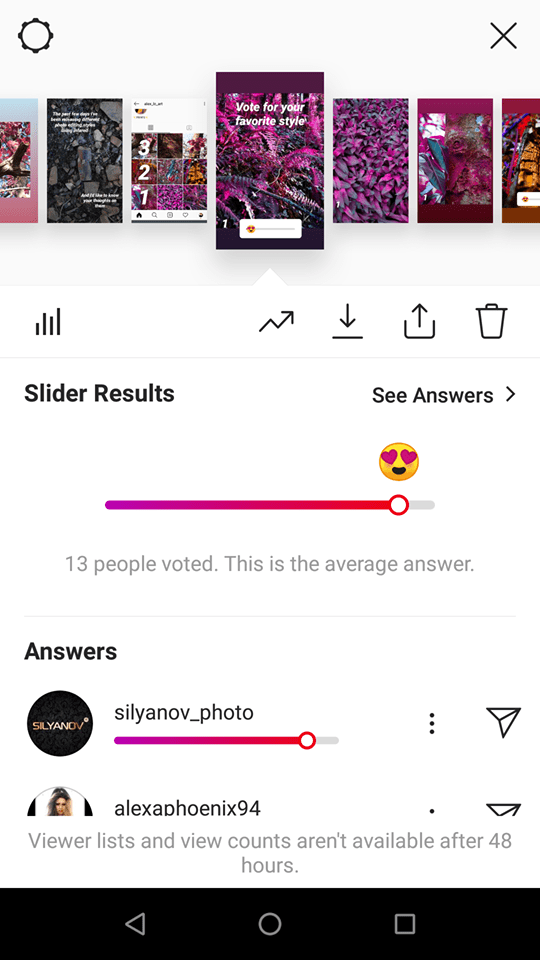
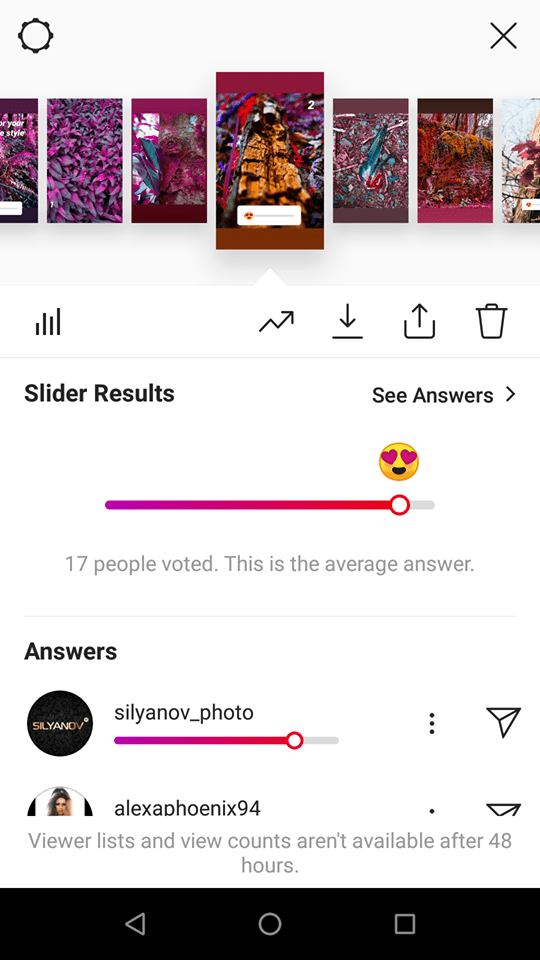
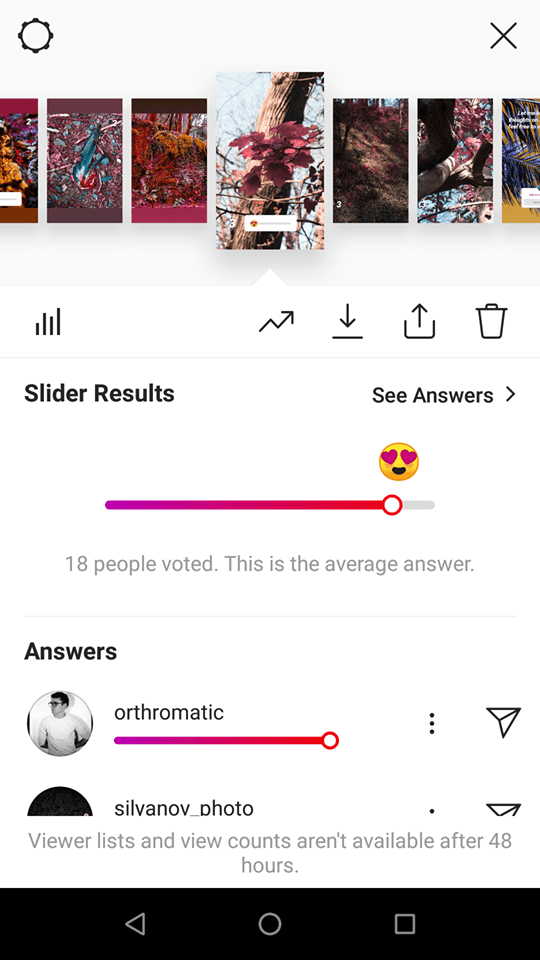
though i like these strong hue + saturation edits, they have draw backs and weren’t well received by other only getting 13 likes when asking in a pole on IG
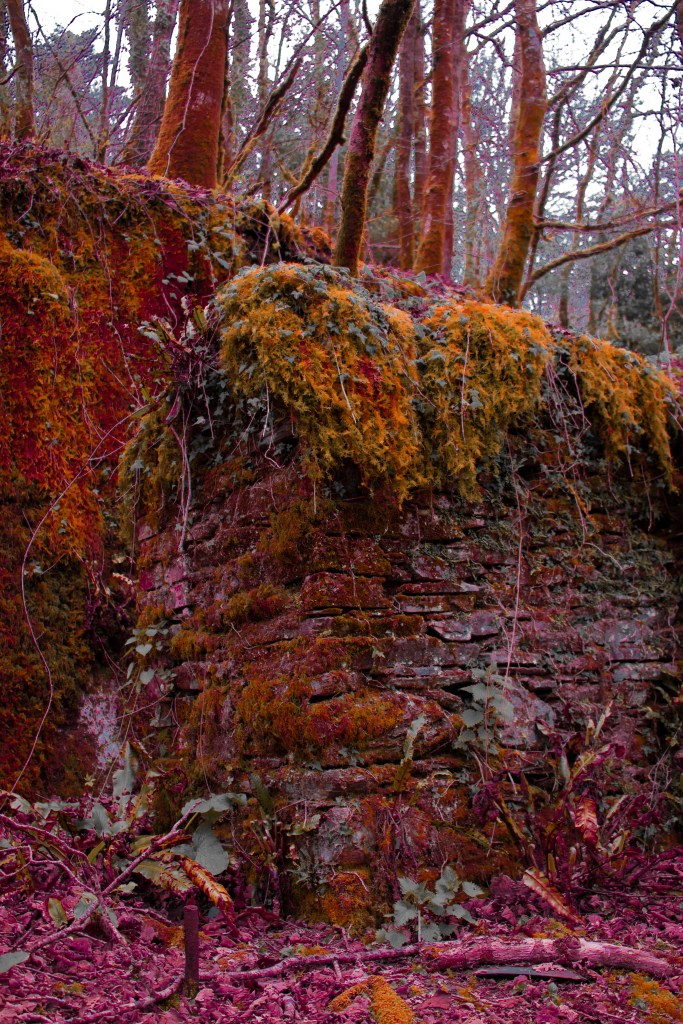
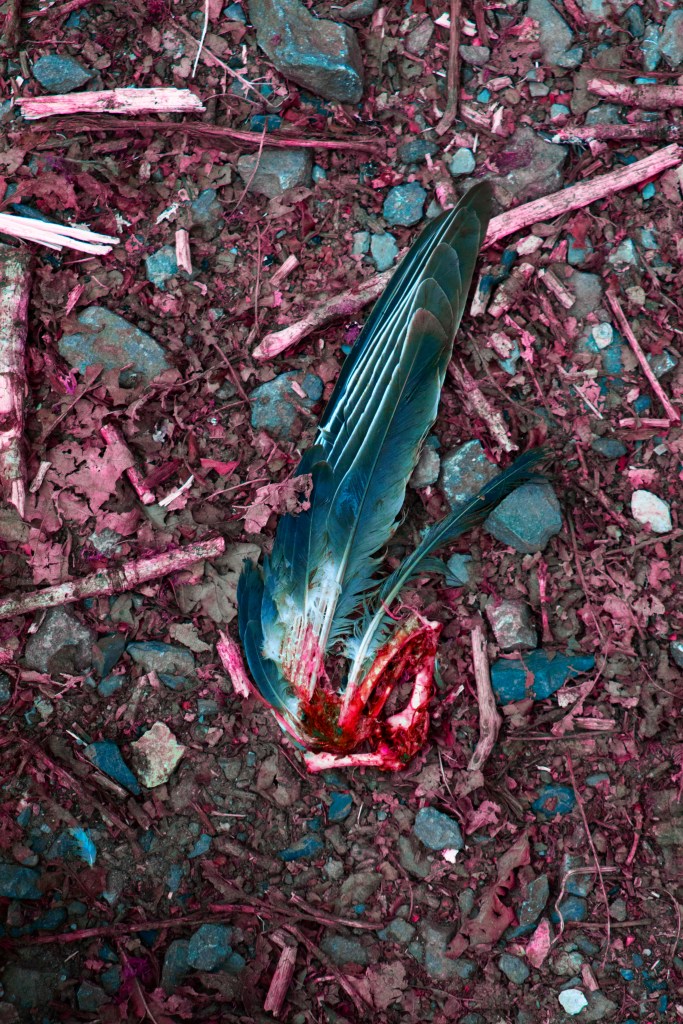
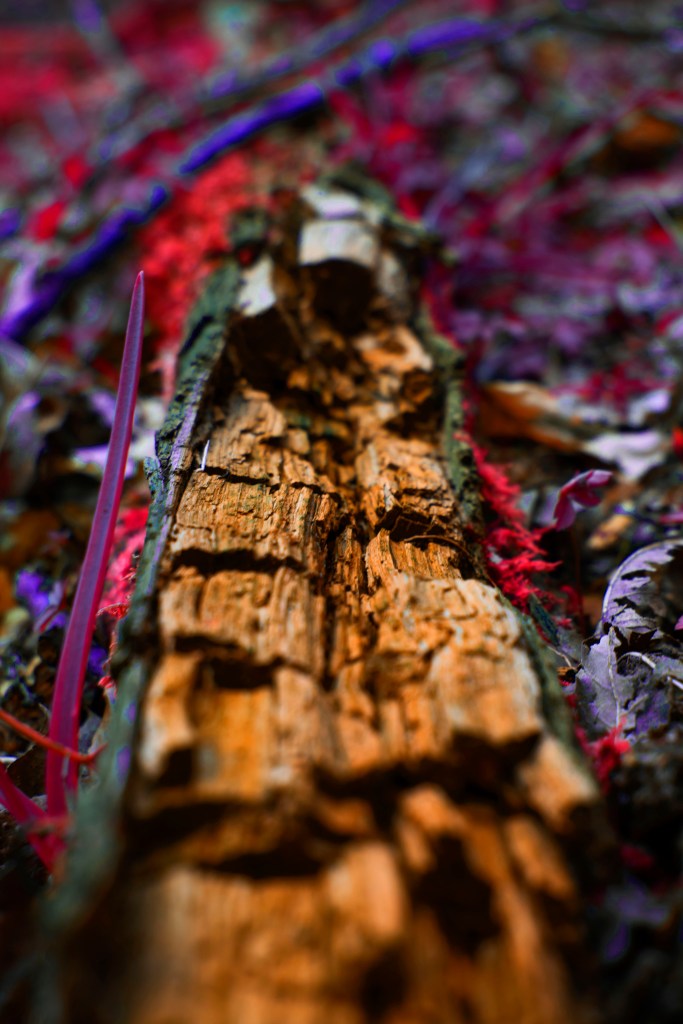
my second series was attempting to imitate lomochrome purple by building on the previous edit but takes a more unique approach as i individually edited each photo so that they’d be how i imagined them, however, this was very time consuming as there were many files to go through and i didnt have time to edit them all, while these images did get well received im not sure its an effective way of producing a series of images.
> 02.04 <
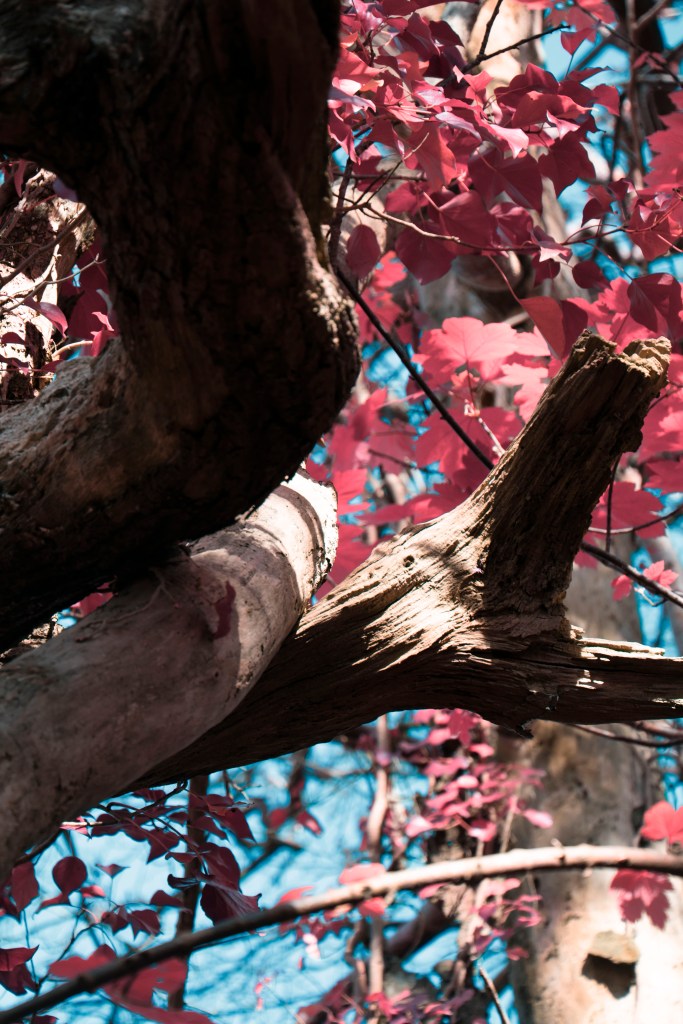
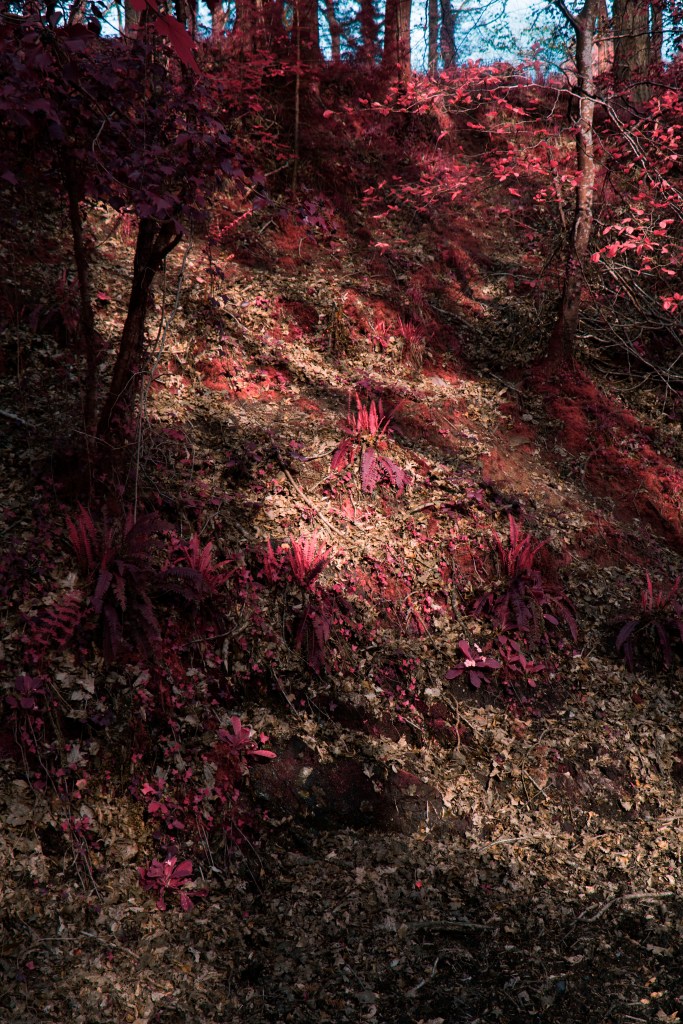
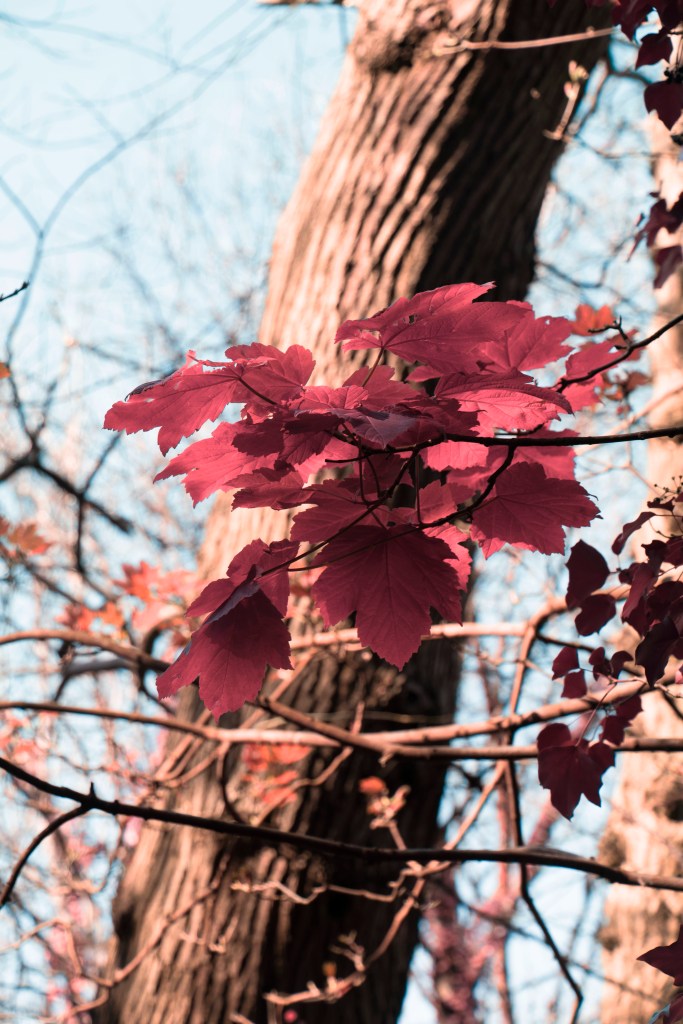
my third edit aims to have a more refined and simplest approach by removing the hue saturation and curves from my last edit, i really like this approach as it seems a lot calmer conveying a meditative state of mind linking to Ram Dass, these was also a lot easier to edit by just copying (Control+C) and pasting (Control+V) the channel mixing and brightness and contrast (20+) layer, to some of the edits i also added curves to make them more inline with the rest. doing this allowed for easy batch production of images taking away from that time consuming editing process.
this was thankfully well received by my audience getting 18 likes, preforming better than my other editing processes. this has made me decide to continue this refined editing process for it’s minimal and Japanese style inspired atmosphere
> 20.04 <
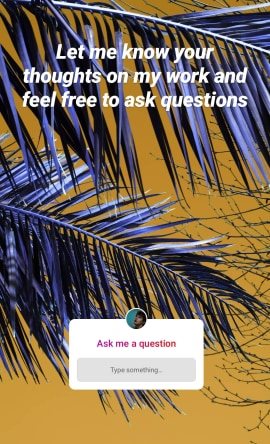
at the end of my questionaire i placed a small text box where people could ask questions or give their feed back, this was very useful as it provided insight into my audience allowing them to express their view points further, rather than a simple slider, this also let me take the time to reply to each of them with a personal message
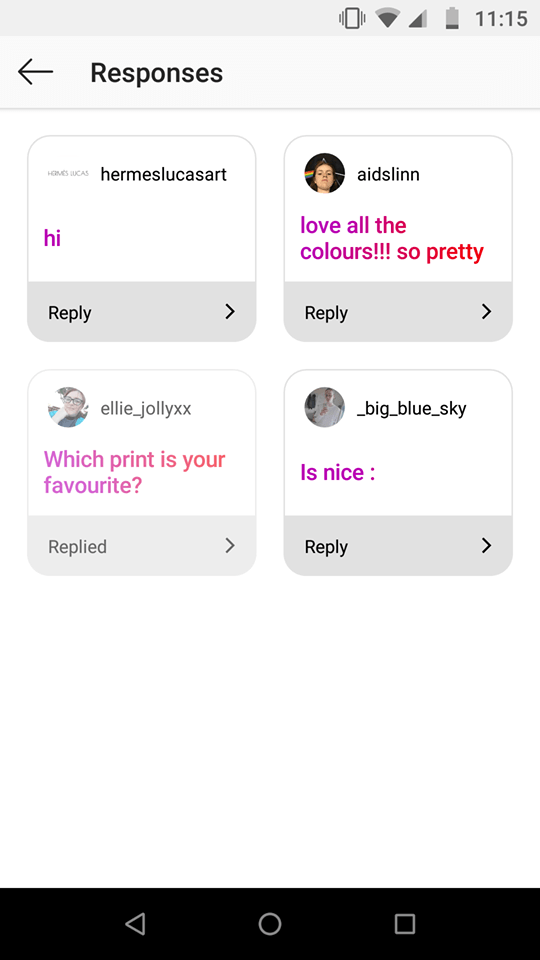
from this i also got some nice comments saying …
“I love all of the styles honestly. They are so different and I think the photos you chose to do each style with really suits it. But I’d say the most striking photos are in style 1 & 2 but I enjoy the subtlety of style 3 too” @ellie_jollyxx
“i like the first one, the purple makes them really pop and gives a unique style, the third one is my second my favioute, it looks calm ” @trinnychops
which are useful notes to take into consideration moving forwards
 Alex's Photos & Thoughts